Connect Slack alerts
Pro can route Tier 1 change events directly to a Slack channel as they happen, with quiet hours.
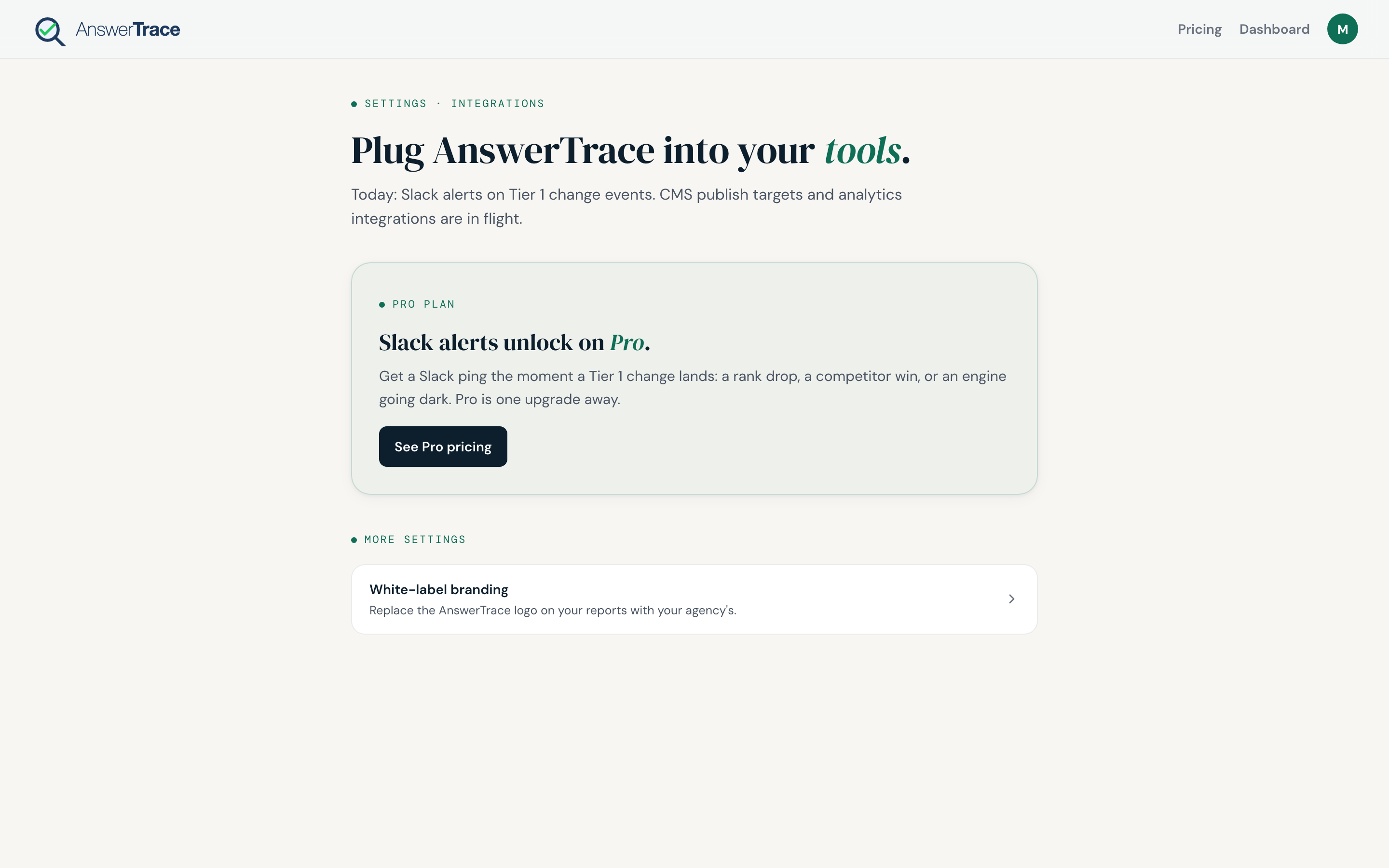
What this page shows before you are on Pro. The Connect Slack control and channel picker described below replace this card once Slack alerts are included in your plan.
Prerequisites
- Pro plan (real-time alerts). Enterprise also includes Slack alerts; Agency Standard does not.
- Workspace admin permissions in Slack, you will need to install an app
- A target channel, public or private
Connect
- Open Settings → Integrations from the user menu (workspace-level, not per-brand)
- In the Slack card, hit Connect Slack
- Choose your Slack workspace, choose the channel, approve
- Slack returns you to AnswerTrace with a confirmation card
If you previously paused or disconnected Slack alerts, reconnecting fires a catch-up digest of anything Tier 1 you missed in the gap.
What gets sent
Only Tier 1 events fire as Slack messages. These are the events worth interrupting your day for:
- Citation lost on a high-intent prompt
- Citation gained on a high-intent prompt
- Competitor newly cited on a high-intent prompt where they were absent
- Competitor displacement, a rival took your #1 spot
- Engine-wide score drop above the per-engine noise band, ChatGPT 2 points, Google AIO 3 points, Claude 3 points, Perplexity 5 points
Tier 2 events (lower-intent citation moves, position shifts, score moves below the per-engine band) stay in the in-app feed and roll up in the recap email after each scan as a count. Tier 3 events stay in the in-app feed only.
Quiet hours
Default quiet window: 22:00 to 07:00 in your workspace’s local time (set during workspace setup; defaults to Asia/Kolkata). Alerts that fire in the window are batched and delivered at 07:00 the next morning.
Alert format
Each Slack message includes:
- The brand name
- The event type (lost, gained, displaced)
- The prompt or scope of the change
- The engine
- The size of the change (engine-drop events show “score dropped N points”)
- A View report button
Multi-brand workspaces always get the brand name in every alert, so a shared channel stays legible.
Disconnecting
In Settings → Integrations, hit Disconnect on the Slack card. The integration revokes the Slack token and no further alerts are sent.
What this means for you
If you check AnswerTrace once a week, Slack alerts cover everything in between. Most Pro teams set up a #ai-visibility channel, route AnswerTrace there, and only open the app when an alert demands action.