Set up white-label
Agency Standard can render every report under your agency brand. Your clients see your logo, your color, your name. AnswerTrace becomes the engine, not the surface.
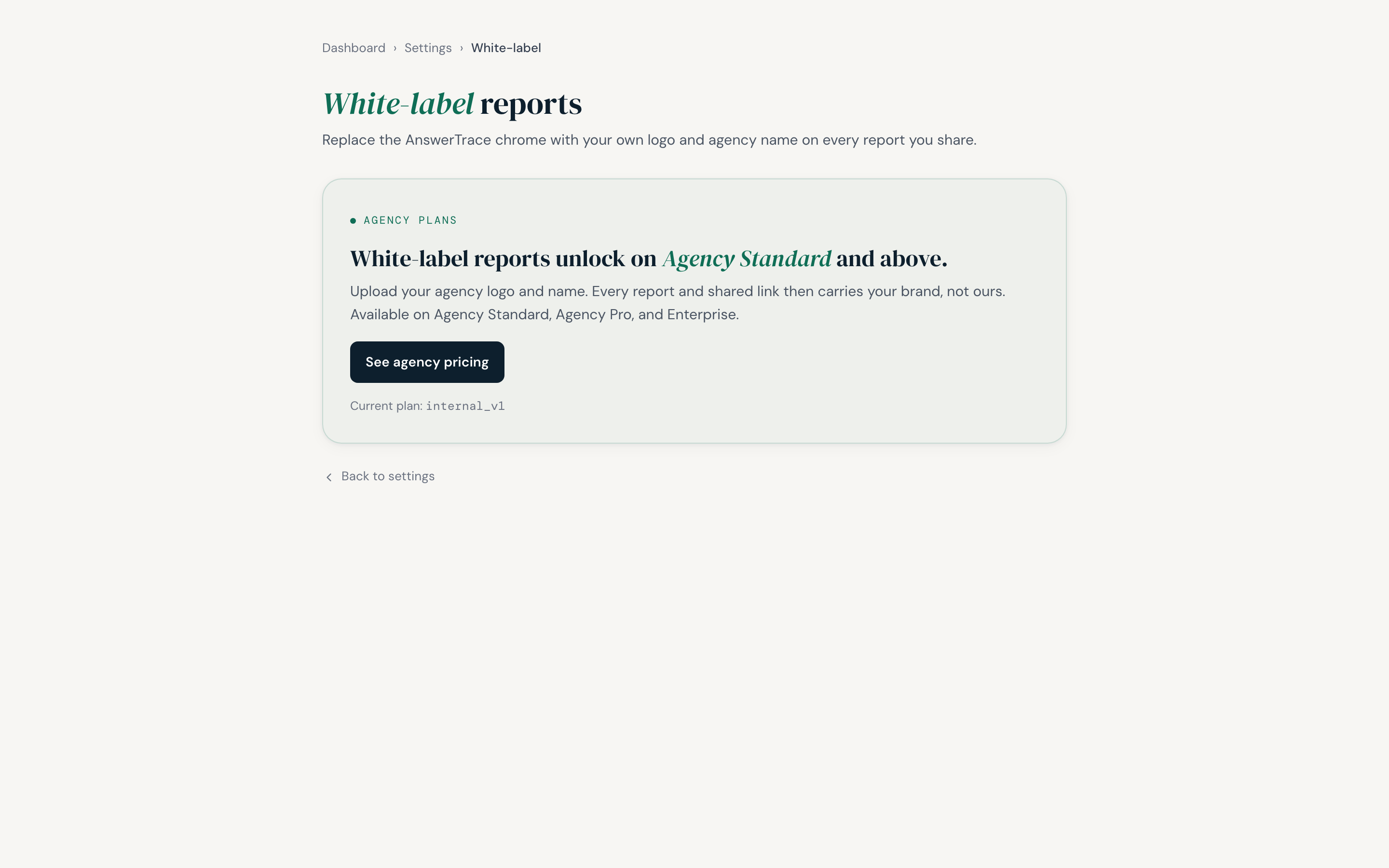
What this page shows before you are on an agency plan. The logo upload and agency-name fields described below replace this card once White-label is included in your plan.
What gets re-branded
- The report header logo and workspace name
- The share link preview card (open graph)
- The branded PDF export cover and footer
- The email alerts (Slack alerts keep AnswerTrace branding by design, so your team knows where the alert came from)
The dashboard, billing screens, and admin areas keep AnswerTrace branding because they are not client-facing.
Set it up
- Open Settings → Branding from the user menu (
/settings/branding) - Enter your agency name as it should appear in report headers
- Upload your logo (PNG, JPG, WebP, or SVG, up to 1.5 MB; square or wide lockups work best)
- Pick a primary colour from the swatch picker (used for the report rail accent and the PDF cover band)
- Hit Save changes
The new branding applies to every report rendered after you save. Re-share or re-export an existing report and it picks up the latest branding automatically.
The PDF export
Every report can be exported as a branded PDF:
- Cover page with your logo and the client brand name
- Eight A4 portrait pages covering the AI Presence Score, the funnel, the competitive landscape, the roadmap
- Your agency name in the footer
- Page numbers, generated date
The PDF is generated server-side from react-pdf. Larger reports with many findings render slower than a barebones one; typical exports complete in well under a minute.
Two layers of branding
There are two brand identities in an agency workspace:
- Your agency brand, set under Workspace settings. Used on every client report.
- Your client’s brand, set per brand in the brand setup overlay. Used inside the report as the entity being measured.
Both layers render in every report. The cover says “Quarterly review for ClientCo by YourAgency”.
What this means for you
White-label turns AnswerTrace into a deliverable. If you charge clients for an AI visibility audit, the PDF and the live report link both look like your work, not ours. You keep the brand relationship and the renewal conversation.